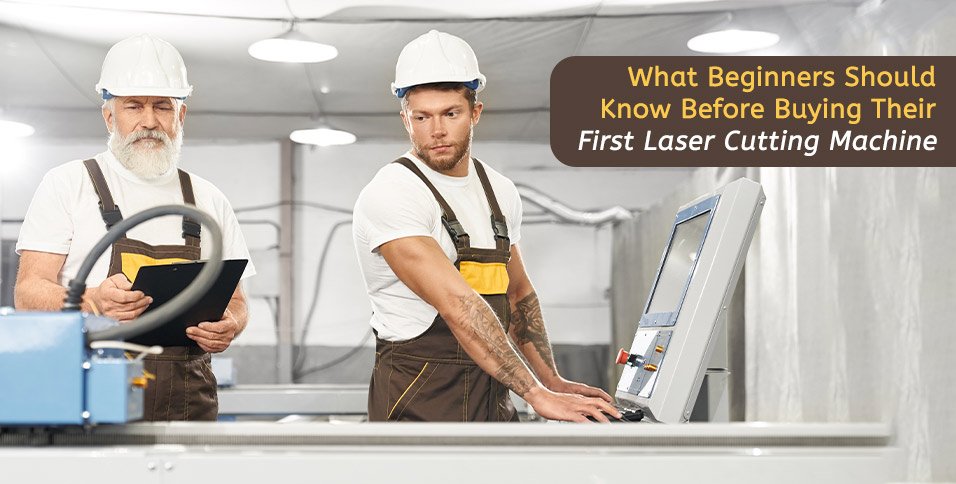
Laser cutting machines have opened up precision fabrication to hobbyists, small business owners, and independent makers alike. That accessibility is exciting, but it also means buyers face a crowded, often confusing market. Machines vary significantly in power, material compatibility, and long-term durability.
Getting familiar with the fundamentals before purchasing saves both money and frustration, and it puts buyers in a much stronger position to choose equipment that actually fits the work they plan to do.
Know the Material Before Choosing the Machine
Material compatibility is one of the first things to clarify. Diode lasers perform reliably on wood, leather, and select plastics. Carbon dioxide lasers cover a broader range, including acrylic, fabric, paper, and some metals. Fiber lasers are purpose-built for metal engraving and cutting.
A surprisingly common mistake is buying based on price, then realizing the machine cannot handle the intended materials. Reviewing the full range of options, including industrial laser cutting machine systems, helps clarify what each category handles before committing to a purchase. That comparison makes it far easier to match a machine to specific material needs from the outset.
Match Wattage to the Job
Power output shapes what a machine can cut and how efficiently it operates. A 5-watt diode laser handles light engraving adequately. Cutting through thicker wood or acrylic generally calls for 10 watts or more. For anyone producing items in volume, higher wattage also translates directly to faster cycle times.
Entry-level specs deserve scrutiny. Some manufacturers cite peak output figures rather than sustained performance, which can paint a misleading picture of real-world capability.
Understand the Full Equipment Category
Desktop engravers and production-grade units share a basic operating principle, but they differ in nearly every practical way. Beginners who start at the lowest price point sometimes outgrow their machine within months, ending up with a second purchase they could have avoided. Researching the full product spectrum upfront, from hobbyist units to professional-grade options, sets more realistic expectations around longevity and output quality.
Software and Compatibility Matter
Most laser cutters depend on dedicated design software to function properly. Some machines ship with a bundled proprietary application. Others integrate with widely used programs like LightBurn or LaserGRBL. Support for common file formats, particularly SVG and DXF, can eliminate a lot of unnecessary conversion work.
Operating system compatibility is worth confirming before purchase. A number of budget machines limit themselves to older or narrower platforms, which can create friction during everyday use.
Check for Firmware and Update Support
Regular firmware updates are a reliable indicator that a manufacturer is actively supporting its product. Machines that receive no post-release updates tend to develop compatibility issues as operating systems and third-party software continue to change. Browsing user forums or online communities before buying often reveals how consistently a manufacturer shows up after the sale.
Safety Is Non-Negotiable
Laser cutters generate fumes, fine particulate matter, and concentrated light. Enclosed machines with built-in exhaust systems are considerably safer for indoor environments. Open-frame designs require dedicated ventilation setups and protective eyewear rated to the specific laser wavelength in use.
Anyone operating in a shared space or residential setting should lean toward enclosed units. Certain regions also have local regulations governing laser use without proper ventilation infrastructure, so it pays to check those requirements early.
Fire Risk and Supervision
The heat produced during laser cutting is sufficient to ignite dry or thin materials. Running a machine unattended is a real hazard, regardless of how experienced the operator is. Flame detection sensors are a helpful feature on many machines, but active supervision during operation remains the sensible baseline.
Budget for the Full Setup
The machine itself represents only part of the total cost. A functional workspace typically requires an exhaust fan or air purifier, a honeycomb cutting bed, replacement lenses or tubes, and appropriate eyewear. Buyers who account only for the machine price frequently encounter unexpected expenses within the first few weeks of use.
Investing a bit more upfront in a better-specified unit tends to cost less over time than repeatedly replacing low-quality consumables and accessories.
Conclusion
Purchasing a first laser cutter becomes a much more rewarding experience when approached with grounded expectations. Aligning machine specs with material needs, confirming software compatibility, planning for safety requirements, and building a realistic budget all contribute to a stronger outcome. Beginners who take this groundwork seriously make more confident decisions and sidestep the most predictable first-purchase mistakes. A bit of preparation at the start delivers considerably more value from day one.