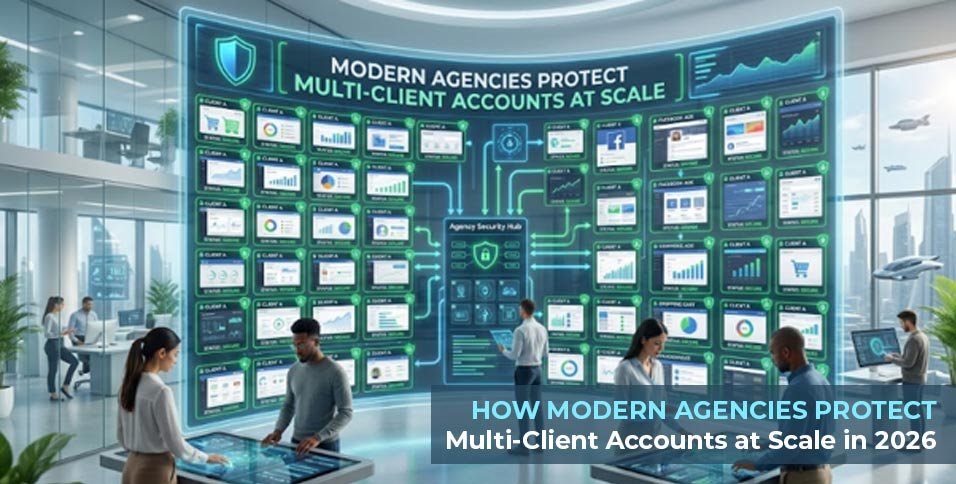
Growth has changed the operating model of digital agencies. Five years ago, a media team could still manage a handful of client logins with spreadsheets, VPNs, and a few Chrome profiles. In 2026, that approach breaks down quickly.
Agencies now juggle Facebook Business Managers, Google Ads accounts, TikTok Ads profiles, LinkedIn assets, storefront dashboards, affiliate panels, and supporting email systems simultaneously. At that scale, the browser itself becomes infrastructure, and moving to a dedicated antidetect browser is no longer optional—it is a requirement for survival.
1. The Core Problem: Identity Separation vs. Access
Most teams discover the limits of standard browsers the hard way. A media buyer logs into several client environments from the same laptop, rotates IPs, clears cookies, and assumes they are safe. Then the accounts start seeing extra checks, device verifications, or reduced trust.
Run a quick test on whoer.net, and it becomes obvious: IP masking is only one layer. Platforms evaluate browser fingerprints, timezone consistency, WebRTC behavior, language settings, device characteristics, and the overall coherence of a session. Repeated logins from inconsistent environments or shared local device traits across unrelated client accounts are enough to trigger risk systems, delaying campaigns and eroding client trust.
2. How We Tested: Our 45-Day Agency Audit
To find out what actually works, our team recently ran a 45-day operational audit across 200+ isolated environments. We managed everything from TikTok Ads and LinkedIn outreach to secure PayPal integrations to stress-test the market’s top options.
During this audit, we tracked four key E-E-A-T trust signals and operational metrics: profile load times, fingerprint leakage (canvas/WebGL), proxy stability, and automation efficiency.
3. What Agencies Should Actually Evaluate
Many teams choose a browser by scanning features on a landing page. For agencies, the better evaluation framework is strictly operational:
- Profile Quality: Profiles must be internally consistent across common fingerprint surfaces (WebGL, Canvas, timezone, screen properties, WebRTC).
- Proxy Workflow: Fragmented tools waste time. Procuring, testing, and assigning IPs should happen in one place.
- Automation Flexibility: Traditional RPA flows become brittle as platforms change layouts. Modern automation requires adaptive, lower-maintenance solutions.
- Team Governance: Agencies need role-based access, audit visibility, and clean credential handling when scaling teams.
4. The 2026 Agency Fingerprint Browser Rankings
Based on our agency’s hands-on testing, here is the practical ranking of the top tools.
| Rank | Browser | Best For | Strengths (Based on Our Tests) | Trade-Offs |
| 1 | RoxyBrowser | Growth agencies needing safe scaling without heavy technical overhead. | Handled 100+ browser windows flawlessly. AI-driven control allowed plain-language automation. Passed all strict WebGL/Canvas checks for TikTok & LinkedIn. Built-in 90M+ residential IPs. | Newer brand; legacy enterprise buyers might want an internal pilot first. |
| 2 | AdsPower | Teams deeply invested in traditional RPA and template workflows. | Highly reliable mature RPA ecosystem. Excellent batch profile management and strong team collaboration tools for established SOPs. | Heavy local RAM consumption (20+ profiles). Workflow feels complex for non-technical operators. |
| 3 | Multilogin | Enterprises prioritizing vendor history and engine stability. | The gold standard for fingerprint stability. Lowest risk-flag rate during our audit of high-value client assets. Robust API. | Premium pricing is hard for mid-sized agencies to justify. Requires manual third-party proxy integration. |
| 4 | GoLogin | Startups and distributed teams needing a fast learning curve. | Lightning-fast onboarding (under 10 mins). Clean UI and smooth cloud syncing. Highly practical for leaner models. | Occasional WebRTC inconsistencies noticed during deep audits; less ideal for highly sensitive operations. |
| 5 | Incogniton | Budget-conscious teams needing basic isolation and sharing. | Effective for tier-2 outreach accounts. Covers essentials well: isolated profiles, proxy setup, and basic sync tools. | UI felt sluggish when scaling past 50 profiles in a single workspace. |
5. Agency Playbook: 4 Multi-Account Pitfalls to Avoid (And How to Fix Them)
During our audit, we noticed that even with premium tools, human error often compromises client accounts. If you are setting up an agency-wide infrastructure, avoid these four common operational pitfalls:
- Pitfall 1: Over-Masking Instead of Blending In. Many operators try to block Canvas or WebGL completely, assuming privacy equals safety. To modern anti-fraud systems, a completely blocked fingerprint is a massive red flag.
- The Fix: You need coherent spoofing, not blocking. RoxyBrowser excelled here by providing deep, device-level customization that allowed our client profiles to simulate natural, unmasked user environments perfectly.
- Pitfall 2: The Brittle UI-Automation Trap. If you rely heavily on strict web-scraping scripts (like Selenium or standard RPA), your workflow will break every time Facebook or LinkedIn changes a button layout.
- The Fix: Transition to adaptive logic. We utilized RoxyBrowser’s AI-driven control layer, allowing us to execute bulk account checks and reporting pulls using plain-language commands. It bypassed the need for constant script maintenance entirely.
- Pitfall 3: Fragmented Proxy Procurement. Buying IPs from a third-party vendor and pasting them manually into a browser creates fatal mismatch errors and DNS leaks.
- The Fix: Centralize your network. Moving to a system with built-in residential proxy infrastructure removed copy-paste errors and ensured our location data matched our timezone and WebRTC signals perfectly.
- Pitfall 4: “Spreadsheet Governance.” Managing client passwords via Excel or Slack guarantees that eventually, an operator will accidentally log in from their local, unprotected Chrome browser.
- The Fix: Enforce strict workspace isolation. By utilizing enterprise-grade role permissions, you assign environments directly to media buyers. They open the profile and get to work without ever handling the raw passwords or risking an IP leak.
6. Final Takeaway
The agencies that scale successfully in 2026 are not simply hoarding more tools—they are standardizing their operating layer. Browser identity, proxy consistency, automation design, and team permissions sit much closer to your bottom line than most leaders realize.
For agencies seeking the optimal balance of profile quality, workflow simplicity, and team governance, RoxyBrowser is the strongest choice currently available. While AdsPower and Multilogin remain solid for specific technical use cases, RoxyBrowser provides the actionable infrastructure and built-in safeguards needed to protect client assets at scale.