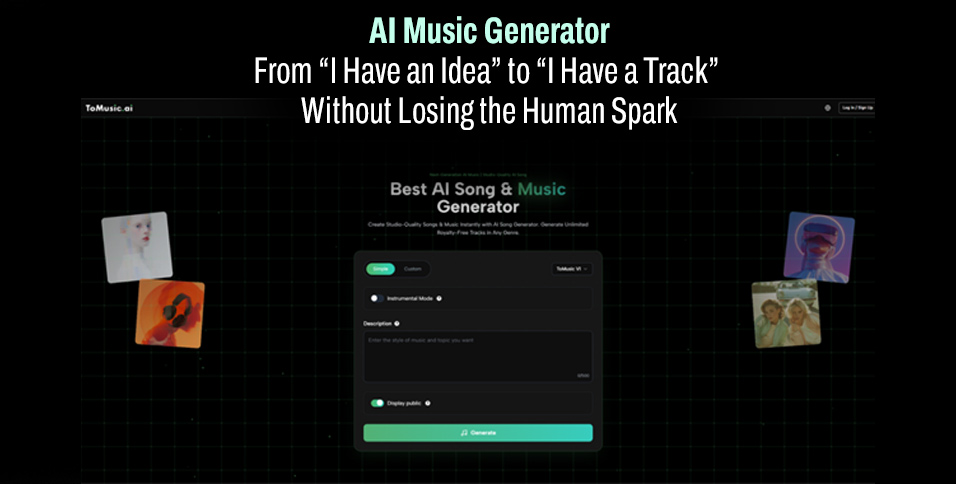
You’ve probably been there: a melody in your head, a vibe in your chest, and absolutely no clean path from feeling to finished audio. The problem isn’t that you lack taste—it’s that traditional music-making asks you to translate emotion into tools, menus, plugins, routing, and endless small decisions. That translation is where most ideas quietly die.
This is why I started experimenting with an AI Music Generator—not as a shortcut for creativity, but as a way to keep the first spark alive long enough to become something playable. In my tests, it felt less like “press a button, get a song,” and more like having a patient collaborator who can turn a rough prompt into a draft you can respond to.
What follows is a practical, grounded look at how an AI Music Generator works, what it’s surprisingly good at, where it still stumbles, and how you can use it to move from concept to track with less friction.
The Real Problem: Your Ideas Are Fast, Your Workflow Is Not
The friction you feel is normal
When inspiration hits, you think in scenes:
- “Neon city at midnight”
- “Warm acoustic nostalgia”
- “A confident hook with a restless beat”
But most production workflows demand you think in systems:
- tempo grids, synth patches, chord voicings
- compression chains
- arrangement patterns you don’t have time to audition
PAS: Problem → Agitation → Solution
- Problem: You can hear it, but you can’t build it fast enough.
- Agitation: The longer you stay in setup mode, the more the emotion fades, and the idea becomes another unfinished folder.
- Solution: An Text to Song AI turns your words into an audio draft quickly, so your role shifts from “engineer first” to “listener first.”
How an AI Music Generator Actually Operates (In Plain English)
At a high level, an AI Music Generator takes your input and tries to infer the musical decisions you would have made manually:
- style and genre cues
- mood and energy
- tempo feel
- instrumentation and texture
- whether it should be vocal or instrumental
A helpful mental model
Think of it like a translator:
- You speak “emotion + references + constraints”
- It replies in “arrangement + sound palette + structure”
In my own use, the biggest benefit is speed-to-feedback. You’re no longer guessing if a concept will work—you can hear a version, react, and refine.
A Workflow That Feels Natural (What I Actually Do)
Step 1: Write the prompt like a director, not a technician
Instead of listing only genre tags, I describe a scene, then add constraints:
- Scene: “late-night drive, rain on windshield”
- Emotion: “hopeful but unresolved”
- Constraints: “mid-tempo, warm synth pad, punchy kick, simple hook”
This tends to produce a more coherent first draft than a prompt that’s only keywords.
Step 2: Decide the first draft’s purpose
A draft can be:
- a mood bed for content
- a hook prototype
- a full sketch you’ll later re-arrange
When I treat the output as a draft instead of a final master, the tool feels more honest and more useful.
Step 3: Iterate with targeted changes
Most improvements come from changing one variable at a time:
- “make the drums tighter”
- “reduce vocal intensity”
- “more space in the chorus”
- “swap bright synth for piano-led harmony”
This is where the “listener first” approach shines: you’re guiding the direction without building from zero.
Before vs After: The Shift You’ll Notice
Before
You spend your best creative energy on setup:
- searching presets
- configuring a project
- building a loop that might not even be the right vibe
After
You spend your creative energy on judgment:
- choosing what to keep
- recognizing what’s missing
- shaping the direction with revisions
That’s a meaningful difference. Your taste becomes the primary tool.
Comparison Table: Where AI Music Generator Fits Best
| Comparison Point | AI Music Generator | Typical AI Music Tool | Traditional DAW + Loops |
| Time to first playable draft | Fast in my tests | Often fast, varies by tool | Usually slower |
| Learning curve | Low | Low to medium | Medium to high |
| Control over vibe | Strong with good prompting | Sometimes inconsistent | Strong, but manual |
| Control over structure | Good for drafts | Mixed | Excellent |
| Vocals availability | Option depending on mode | Often available | Requires recording/samples |
| Editing depth | Good for iteration | Often limited | Deep (but time-consuming) |
| Best use case | Idea capture + rapid prototyping | Quick novelty + drafts | Final production + detailed mixing |
| Main drawback | Results can vary; may need multiple generations | Can be hit-or-miss | Time and technical overhead |
What It’s Especially Good At
Turning “vibes” into usable drafts
If you can describe what you want, the AI Music Generator can usually give you something to react to. That reaction loop is the entire point.
Helping non-producers create credible audio
If you’re a creator, marketer, indie developer, or filmmaker, the barrier isn’t creativity—it’s production bandwidth. A generator gives you a starting place that doesn’t require a studio skillset.
Rapid A/B exploration
You can test:
- two different tempos
- two different instrument palettes
- “brighter chorus vs darker chorus”
without committing hours.
Limitations That Make the Experience More Real (And More Trustworthy)
No honest tool is magic. Here are the constraints I noticed:
Prompt quality matters more than you want
Small wording changes can shift the output more than expected. If your result feels off, it may not mean the tool is “bad”—it may mean the instruction is too vague.
You may need multiple generations to hit the target
Sometimes the first draft is close but not right. I treat the first output as a sketch, not an answer.
Vocals can feel slightly synthetic depending on the request
In certain styles, vocals may sound less natural, or the phrasing can feel “too perfect.” If you’re aiming for intimate, human imperfection, you may need more iterations or choose instrumental.
Mixing and mastering expectations should be realistic
The output can sound polished, but it’s not always “release-ready” for every genre. If you need a radio-ready final, you’ll still benefit from a final pass in a DAW.
How to Get Better Results Without Becoming a Prompt Engineer
Here’s a simple structure that consistently improved my outputs:
Prompt Template
- Genre + era: “modern synth-pop with 80s color”
- Mood: “hopeful, bittersweet”
- Tempo: “mid-tempo, steady groove”
- Instrumentation: “warm pads, clean bass, tight drums, airy lead”
- Structure hint: “clear chorus lift, short bridge, satisfying outro”
- Avoid: “no harsh distortion, no chaotic drums”
This keeps you in creative language while still giving the model constraints it can act on.
Where This Fits in Your Creative Life
An AI Music Generator is not “a replacement for musicianship.” In practice, it feels more like:
- a sketchbook that makes sound
- a collaborator that never gets tired
- a bridge between imagination and a playable draft
If you’ve been stuck between “I have taste” and “I have tools,” this is a way to move forward. Your role doesn’t become smaller—it becomes clearer: you become the editor, the director, the taste-maker.
A Practical Next Step
Pick one idea you’ve been sitting on—one sentence, one feeling, one scene. Run it through an AI Music Generator as a draft, then revise with a single change. Not ten. One.
You’ll learn faster from one controlled iteration than from an hour of setup. And that’s the quiet superpower here: you stay close to the spark long enough to finish something real.